
Upload PDF File
Drag & drop your PDF file here
or
Supported format: PDF (Max 50MB)
Convert your PDF files into beautifully formatted HTML with our free online PDF to HTML converter. This tool is perfect for web developers, content creators, and anyone who needs to extract content from PDF documents for web use.
How to Convert PDF to HTML
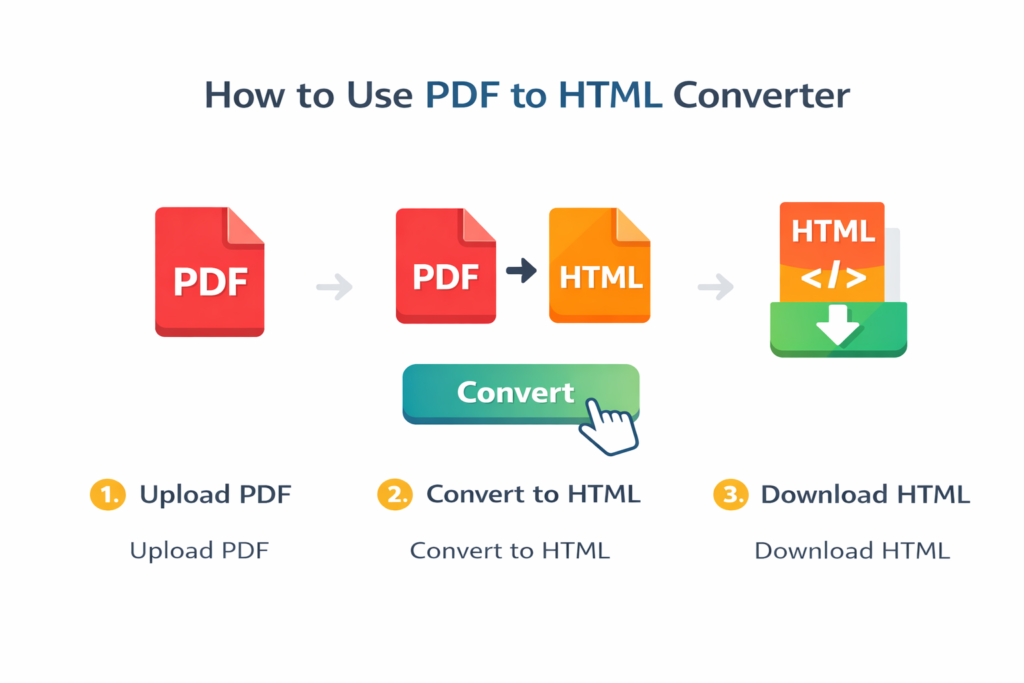
The process is simple and straightforward:
- Upload Your PDF – Drag and drop your PDF file or click the browse button to select it from your computer
- Convert Instantly – Our tool automatically extracts text and formatting from your document
- Preview and Download – View the HTML output and download it with a single click
Why Choose Our PDF to HTML Converter?
Completely Free – No hidden charges and no registration required. Use it as much as you need.
Browser-Based Security – Your files never leave your computer. All processing happens locally in your browser, ensuring complete privacy.
Format Preservation – Maintains text structure, paragraphs, and basic layout from your original PDF document.
Fast Processing – Convert documents in seconds, not minutes, thanks to our optimized conversion engine.
No Size Restrictions – Handle documents of any reasonable size without limitations.
Clean HTML Output – Receive semantic, well-structured code that’s ready for web use.
Key Features
Complete Privacy Protection
All conversion happens locally in your browser. Your PDF files are never uploaded to any server, ensuring maximum security and privacy for your sensitive documents.
Rapid Conversion Speed
Using advanced PDF.js technology, our converter processes documents quickly, efficiently handling multi-page PDFs without compromising quality.
Responsive HTML Generation
The convert HTML includes mobile-friendly CSS that works perfectly across all devices and screen sizes, from desktop computers to smartphones.
Accurate Text Extraction
The tool preserves paragraph structure, headings, lists, and basic formatting from your original PDF document, maintaining the integrity of your content.
Ideal Users and Applications
This tool serves a wide range of users:
Web Developers can convert PDF designs and mockups into HTML code for website development.
Content Creators can extract articles, reports, and documents from PDF format for blog posts and online publications.
Business Professionals can convert reports, proposals, and documents for web publishing and sharing.
Students and Researchers can transform academic papers and research documents into web-friendly formats.
Digital Archivists can make PDF content accessible and searchable online.
Practical Use Cases
Blog and Website Content Creation
If you have PDF articles, reports, or documentation, you can convert them to HTML for your blog or website while maintaining the original structure and formatting. This is particularly useful for repurposing existing content for online platforms.
Document Migration and Digitization
When moving from PDF-based documentation systems to web-based platforms, our converter makes the transition seamless by preserving your content’s integrity and structure during the conversion process.
Email Campaign Preparation
Transform PDF newsletters, announcements, or promotional materials into HTML emails that display correctly across all major email clients and devices, ensuring your message reaches your audience as intended.
Content Management System Integration
Take existing PDF content and convert it for use in popular content management systems like WordPress, Joomla, or Drupal, saving hours of manual copying and formatting work.
Frequently Asked Questions
Is this converter truly free to use?
Yes, our PDF to HTML converter is completely free with no hidden costs. You can convert unlimited PDFs without any restrictions or usage limits.
How secure are my files during conversion?
Your files are completely secure. All processing happens locally in your browser. Your PDFs never leave your device, are not uploaded to any server, and are not stored anywhere after your session ends.
What types of PDF formats are supported?
We support all standard PDF formats including text-based PDFs. For scanned documents, the tool will extract any embedded text, though optical character recognition capabilities may be limited for purely image-based scanned files.
Does the converter preserve images and complex formatting?
The converter primarily focuses on text extraction and basic formatting. While it maintains paragraph structure and text formatting, complex layouts, embedded images, and intricate table structures may require additional manual adjustments for optimal web presentation.
Can I convert multi-page PDF documents?
Yes, our tool handles multi-page PDFs effectively, organizing content by page in the HTML output and maintaining the document’s original page structure.
Is there a file size limitation?
We recommend PDFs under 50MB for optimal performance, but the tool can handle larger files depending on your browser’s capabilities and available system resources.
What about scanned PDF documents?
For image-based scanned PDFs where text is not selectable, you’ll need optical character recognition (OCR) software first to make the text machine-readable before using our converter for optimal results.
Tips for Optimal Results
To get the best results from our PDF to HTML converter:
- Use Text-Based PDFs – For optimal results, ensure your PDF contains selectable text rather than just images of text
- Review Complex Layouts – Documents with multiple columns, complex tables, or intricate design elements may benefit from manual cleanup after conversion
- Always Preview Output – Review the generated HTML before implementing it in production environments
- Validate Code – Consider running the generated HTML through a code validator to ensure web standards compliance
- Test Responsiveness – Check how the converted content displays on different devices and screen sizes
Technical Foundation
Our converter utilizes the powerful PDF.js library developed by Mozilla, the same technology used in Firefox for PDF rendering. This ensures accurate text extraction, reliable performance, and compatibility across all modern web browsers including Chrome, Firefox, Safari, and Edge.
Getting Started
Ready to transform your PDF documents into web-ready HTML? Our tool requires no installation, no registration, and no payment. Simply upload your PDF and receive clean, structured HTML code in seconds.
For large documents, consider breaking them into smaller sections for faster processing and easier management of the HTML output. This approach can also make the final code more manageable for web implementation.
This tool works best with text-based PDFs. For scanned documents, consider using OCR software first to extract text before conversion for the most accurate results.